Prosecutors: Know what’s in every fileyou turn over.
Reports, body cam and phone extractions in one searchable case, every answer cited.

Traffic stop
Where do the accounts of the use of force stop matching?
Answer
Officer A radios “No force used,” and the report agrees. On Officer B’s body cam, the driver asks, “Why’d you push me into the bushes?”
Officer B’s body cam Driver
“Why’d you push me into the bushes?”
Officer A’s body cam Officer A, radio call
“No force used, nothing eventful.”
Officer’s report page 2, ¶ 2
“No use of force to report.”
What stays yours
An officer’s radio call that a second camera contradicts is exactly what you need to see. Ask where the accounts stop matching, and each finding cites its moment to the file and the second.
The file
One incident arrives as many recordings and a stack of reports.
Body cam from every officer on scene, interview rooms, 911 and jail calls, phones, and reports from more than one agency. Disclosure deadlines don’t wait for someone to watch six hours of video.
Body cam and in-car video
Transcribed and watched: key moments and on-screen events indexed, the date read from the burned-in overlay.
Answers citeThe file and the second
Interview rooms
Interrogations and witness interviews, transcribed and broken into moments.
Answers citeThe file and the second
911 and jail calls
Transcribed with the speakers labeled, and searchable with everything else.
Answers citeThe file and the second
Reports
Incident, supplemental and lab reports, read page by page, each with an index entry: what it is, its date and who’s involved.
Answers citeThe file and the page
Phone extractions
Cellebrite UFDR files: the messages, call logs and media, in the index with everything else.
Answers citeThe extraction file
Recording formats
- MP4
- MOV
- MKV
- WEBM
- MP3
- M4A
- WAV
- FLAC
- OGG
Plays in the browser, with nothing to install.
Document formats
PDFs, email (PST, EML, MSG), Word files, scans and ZIP archives.
Recordings
Click a moment, and playback jumps to that second.
Legati watches the video, not just the audio. Key moments and on-screen events are indexed, so you can search for what appears, not only what is said.
Traffic stop
VIDEO-0012
Officer B’s body cam · Mar 14, 2025, read from the burned-in overlay
1:30 / 3:12
Phone extractions
Phone extractions, searchable with everything else.
Upload the Cellebrite UFDR file and the messages, call logs and media join the case’s index, with no separate reader app to wait on.
Traffic stop
PHONE-0002Driver’s phone · Cellebrite UFDR
Joined the index
Mar 14, 2025Sorted by date
| Time | Type | File | Index entry |
|---|---|---|---|
| 9:12 PM | Message | PHONE-0002 | Driver texts a contact: “Leaving now.” |
| 9:31 PM | Body cam | VIDEO-0012 | Officer explains the reason for the stop. |
| 9:38 PM | Call log | PHONE-0002 | Outgoing call, 2:14 long. |
| 9:41 PM | Photo | PHONE-0002 | Photo from the camera roll. |
| 11:20 PM | Report | RPT-0417 | Officer’s report of the stop, 3 pages. |
Production
Turn it over with your Bates prefix on every page.
Mark each document Include, Exclude or Privilege, and each call records who made it and when. Redactions are burned into the page, and Legati builds the production with your Bates prefix.
1In review
Officer’s reportExcerpt
- Report:
- RPT-0417
- Officer:
- Officer A
- Date:
- Mar 14, 2025
- Subject DOB:
- 04/11/1991
- Subject phone:
- (501) 555-0147
Narrative
- 1On the date of the incident, Officer A initiated a traffic stop of a gray sedan for an equipment violation (inoperative tail lamp).
- 2Subject was compliant throughout the stop. No use of force to report.
- 3Driver was directed out of the vehicle and stood at the roadside without incident. The stop was cleared and the driver departed.
Page 2 of 3PRE-0000022As produced
Officer’s reportExcerpt
- Report:
- RPT-0417
- Officer:
- Officer A
- Date:
- Mar 14, 2025
- Subject DOB:
- Redacted
- Subject phone:
- Redacted
Narrative
- 1On the date of the incident, Officer A initiated a traffic stop of a gray sedan for an equipment violation (inoperative tail lamp).
- 2Subject was compliant throughout the stop. No use of force to report.
- 3Driver was directed out of the vehicle and stood at the roadside without incident. The stop was cleared and the driver departed.
Page 2 of 3PROD-000002
- PRE-Bates numbers during review, before the final prefix is set.
- A supplemental production picks up from your last Bates number, and prior productions stay reviewable.
Security
Where the evidence goes, and who can open it.
The answers your IT and procurement review will want first. The full detail is in our security overview.
Schedule A · Security
Last reviewed October 2026
- A.1AI training
Legati never trains AI models on your documents, and our agreements with our AI providers bar them from training on your data.
- A.2Encryption at rest
AES-256 encryption at rest.
- A.3Encryption in transit
TLS 1.2 in transit.
- A.4Malware scanning
Every upload is scanned for malware before it’s processed; flagged files are quarantined.
- A.5Access
Roles for attorneys, paralegals and admins, plus case-by-case sharing with view-only or edit access.
- A.6Audit log
Sign-ins and every document view or download are recorded in an audit log.
- A.7Two-factor
Two-factor authentication is available on every account.
- A.8Data location
Your documents are stored in U.S. data centers.
- A.9Deletion
You can delete a case and its documents at any time.
- A.10Originals
The file you upload is kept exactly as uploaded; playback and transcription use separate working copies, and every view is logged.
Founders
Three lawyers and a former litigation paralegal.
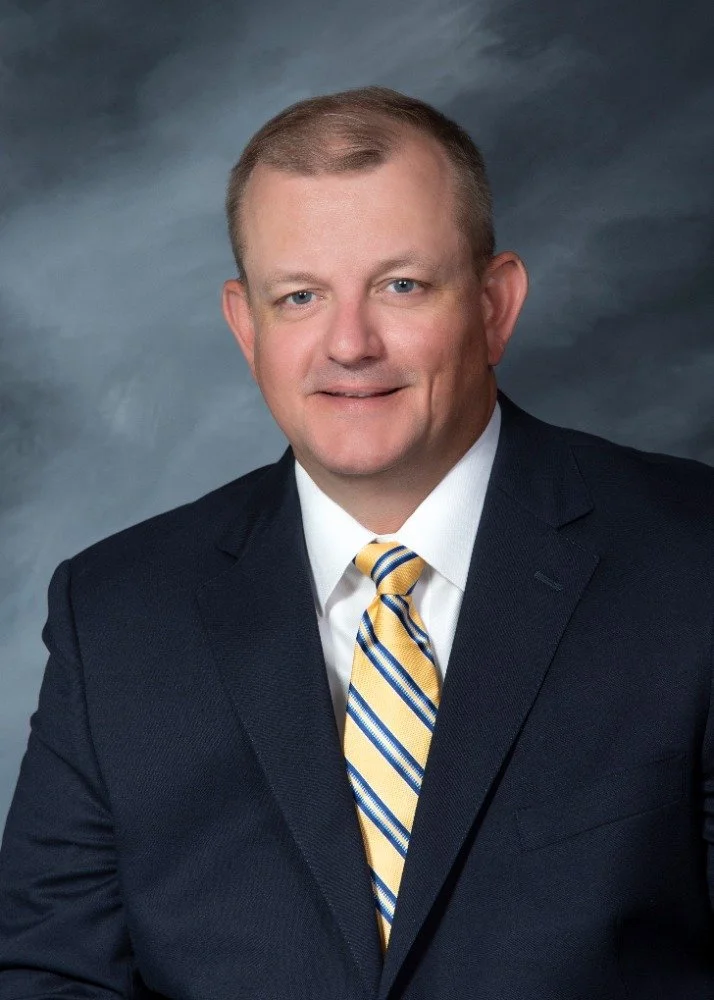
Joel Hoover
Co-Founder
Construction and commercial litigation attorney, over 20 years of courtroom experience
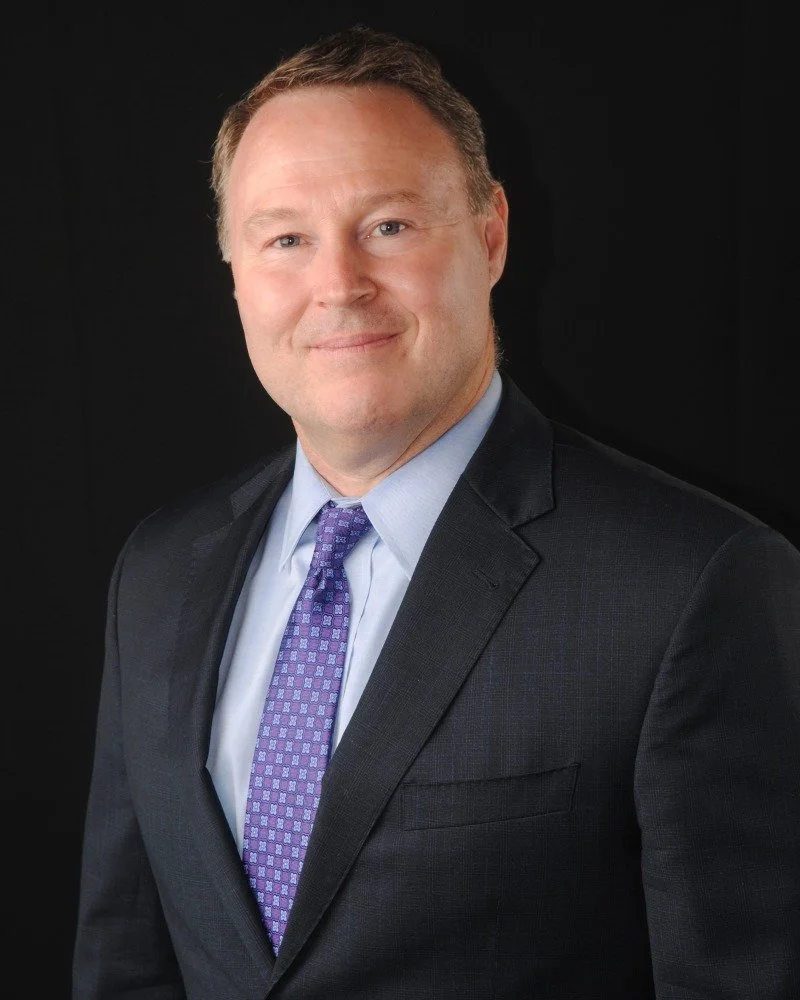
J. Richard Newland, Jr.
Co-Founder & Business Manager
Attorney and CPA, over 25 years in construction law
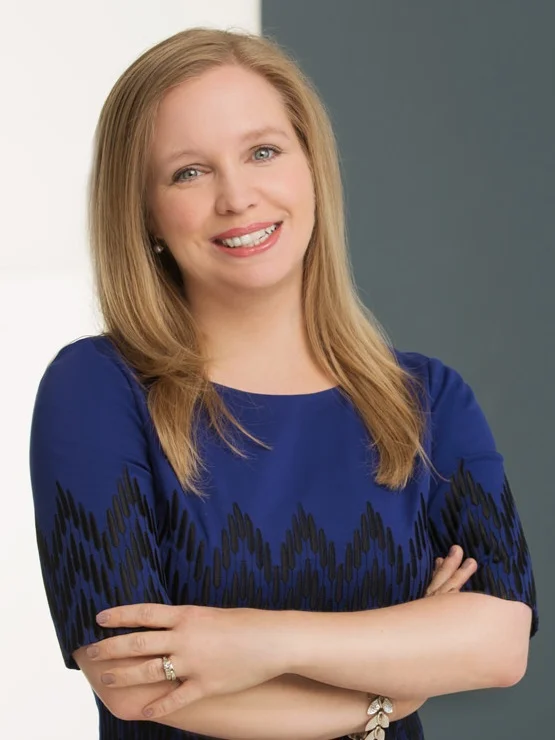
Elizabeth Caldwell
Co-Founder
Business transactions attorney focused on the construction industry
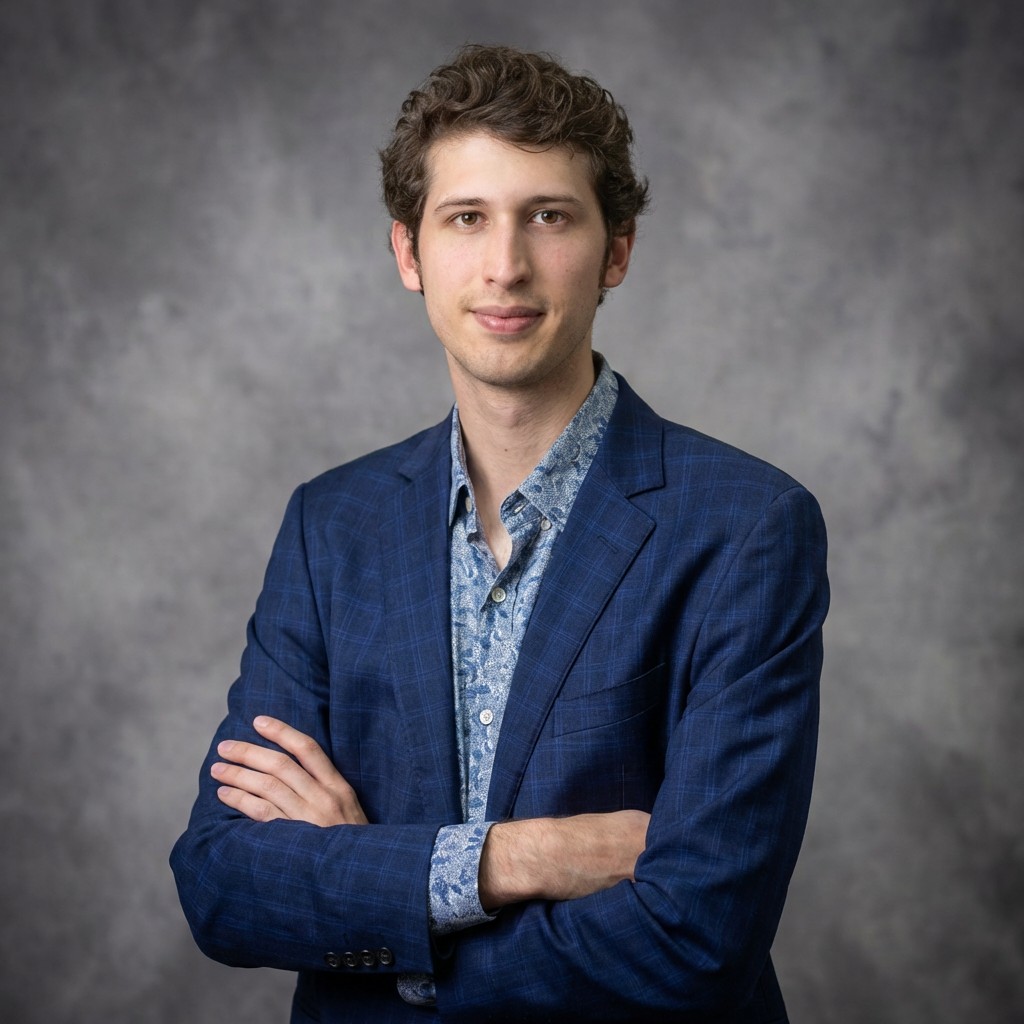
Joshua Gonzales
Co-Founder & CEO
Former litigation paralegal who reviewed tens of thousands of documents by hand
See it on one of your cases.
Bring a closed case you already know, and check our work against it. In person or on Zoom.